


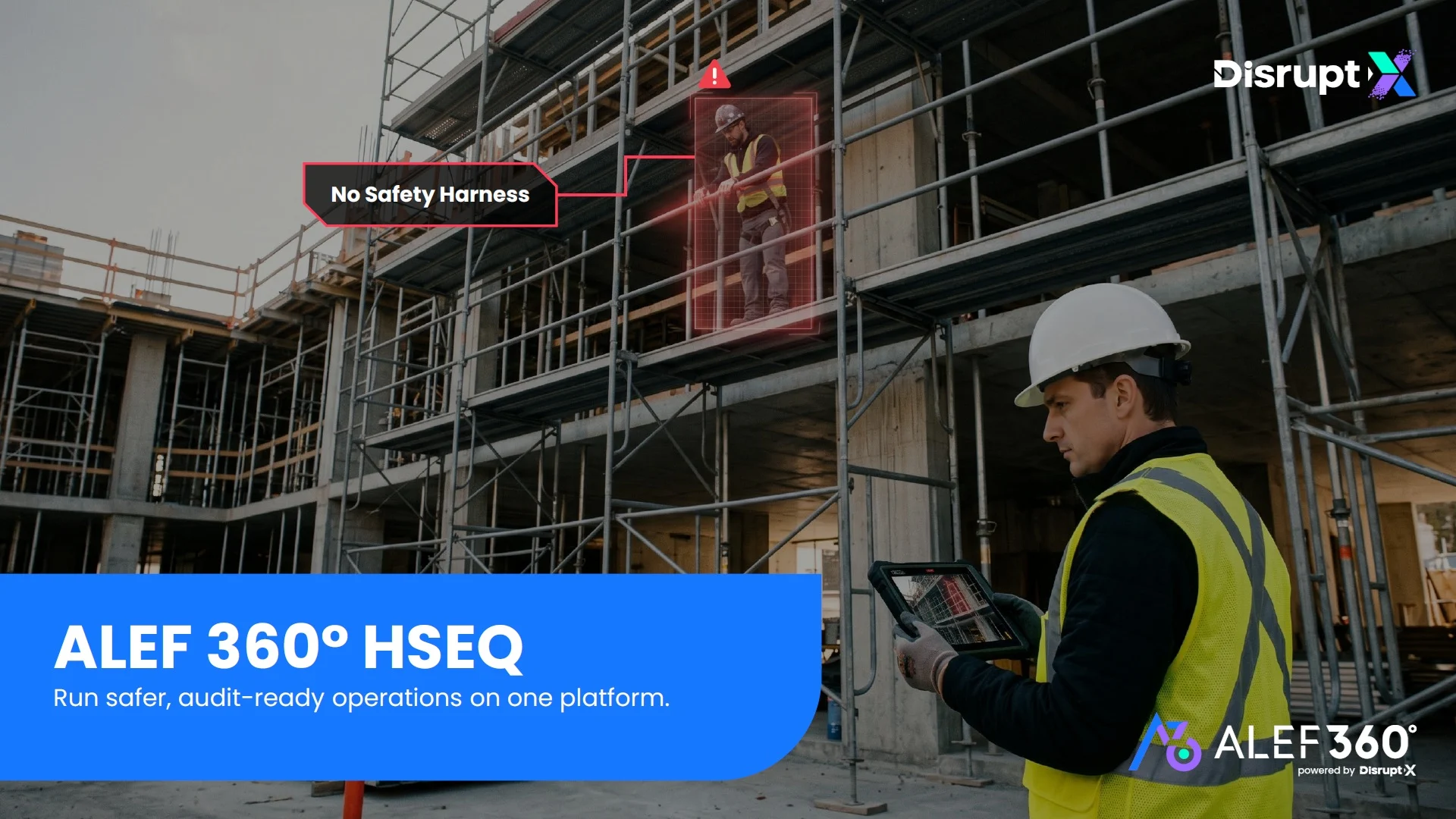

Inspection Management
Run digital inspections across health, safety, environment, quality, and maintenance, before a small issue becomes an incident.
Schedule
Plan inspections once, then keep them on track
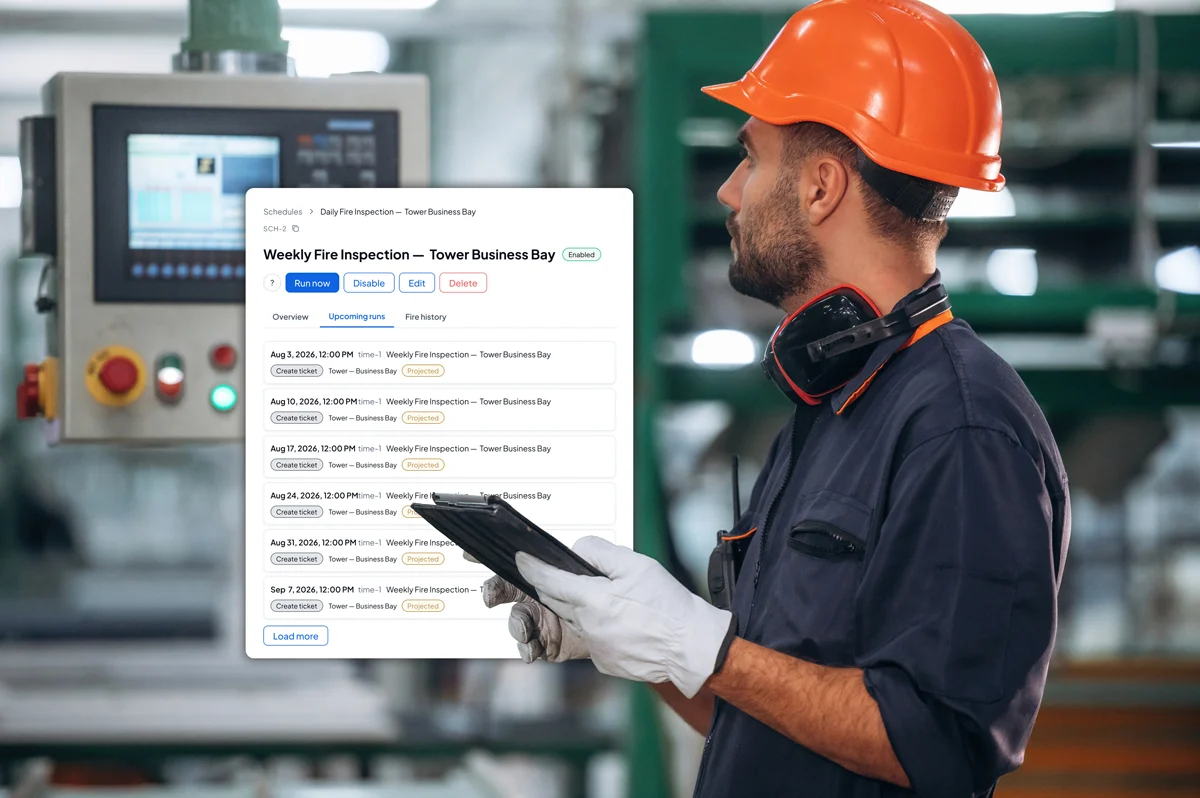
ALEF 360° HSEQ helps teams schedule routine inspections, start unplanned checks when needed, and keep upcoming, pending, and overdue inspections visible.
- Schedule recurring inspections:
Set inspection schedules by building, area, frequency, checklist, inspector, and responsible team so routine checks do not depend on manual follow-up. - Start unplanned inspections:
Create spot checks for incidents, hazards, management reviews, site observations, or urgent safety concerns. - Track what is pending:
Keep upcoming inspections, missed checks, pending sign-offs, and overdue inspection tasks visible to supervisors. - Send timely reminders:
Notify inspectors and reviewers before inspections are missed, delayed, or left waiting for approval.
Inspect
Built for inspections in the field
- Work from mobile:
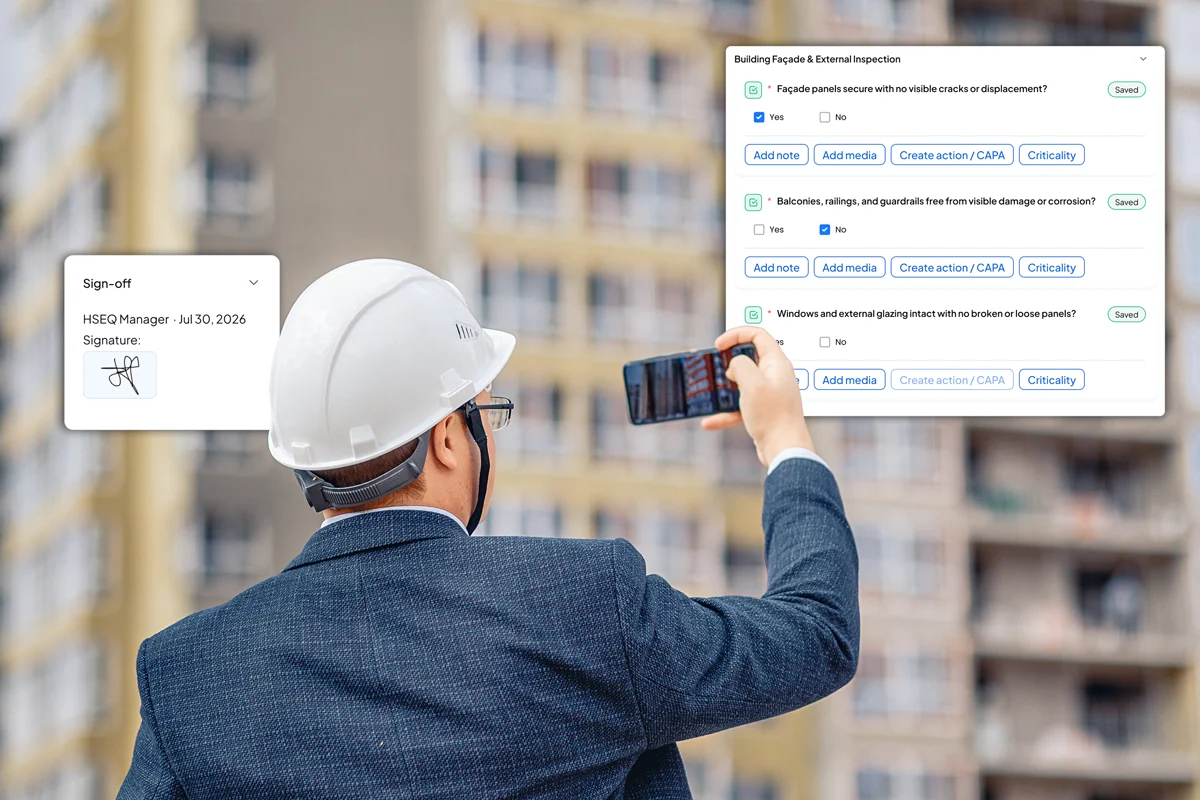
Complete inspections from the field with checklist responses, photos, comments, location tagging, and supporting evidence. - Capture on-site sign-off:
Capture technician and supervisor sign-off at the point of inspection, so approvals are linked to the same record. - Use smart templates:
Guide inspectors with checklist sections, conditional questions, scoring rules, and approval steps based on the inspection type.
Templates
A template for every inspection standard
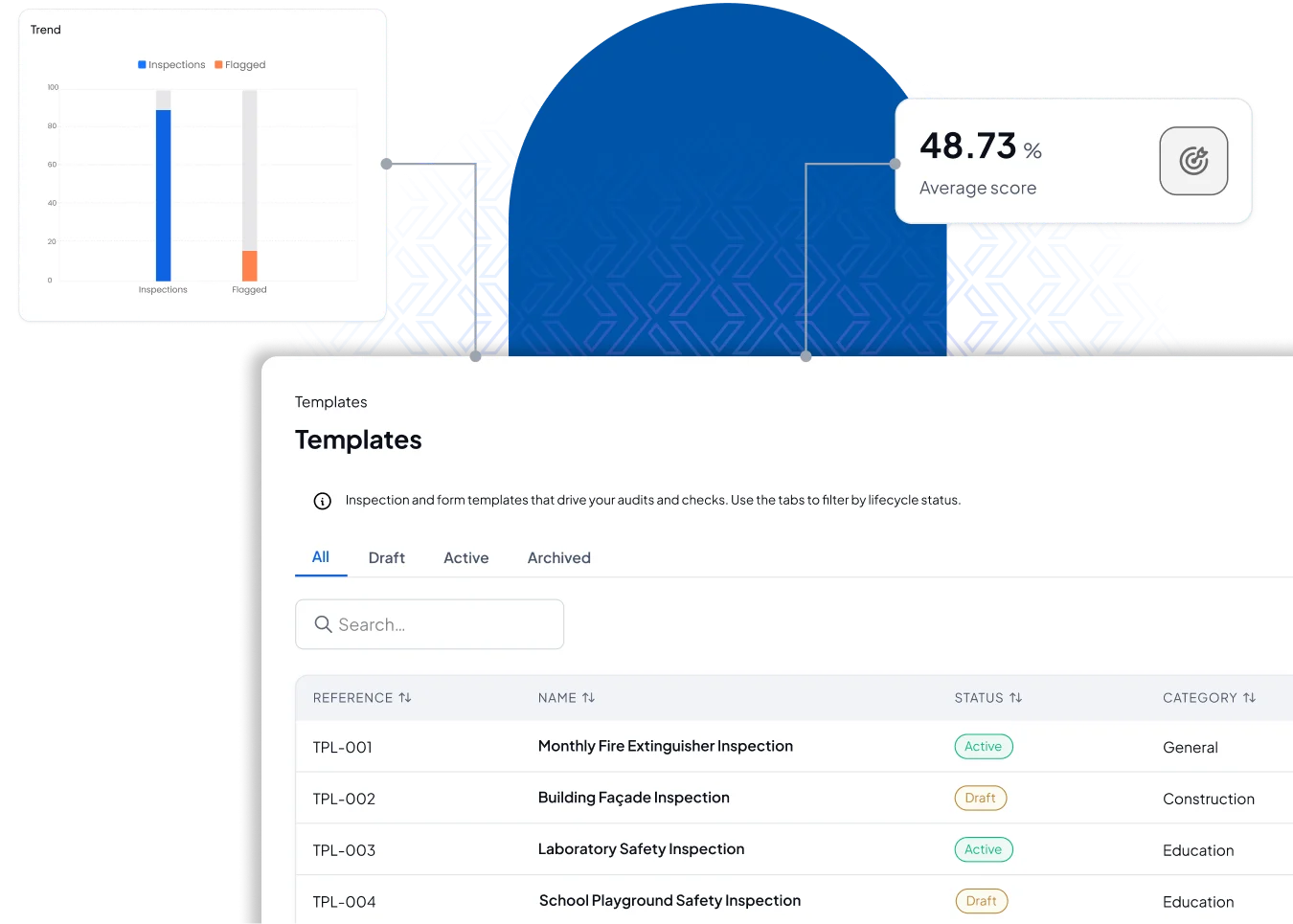
ALEF 360° HSEQ helps teams build, reuse, and manage inspection templates across health, safety, environment, quality, and maintenance checks, so every inspection follows the right structure.
- Build and reuse templates:
Create inspection templates for different standards, departments, assets, buildings, or operational checks without rebuilding the format each time. - Score inspections automatically:
Calculate inspection scores based on responses and flag failed items immediately for review or follow-up. - Grow your template library:
Add regulatory, framework-based, client-specific, or internal templates as your compliance scope expands.
Findings
Turn inspection findings into actionable fixes
ALEF 360° HSEQ helps teams capture inspection findings clearly, organize them into structured records, and ensure they are ready for follow-up actions.
- Auto-create actions:
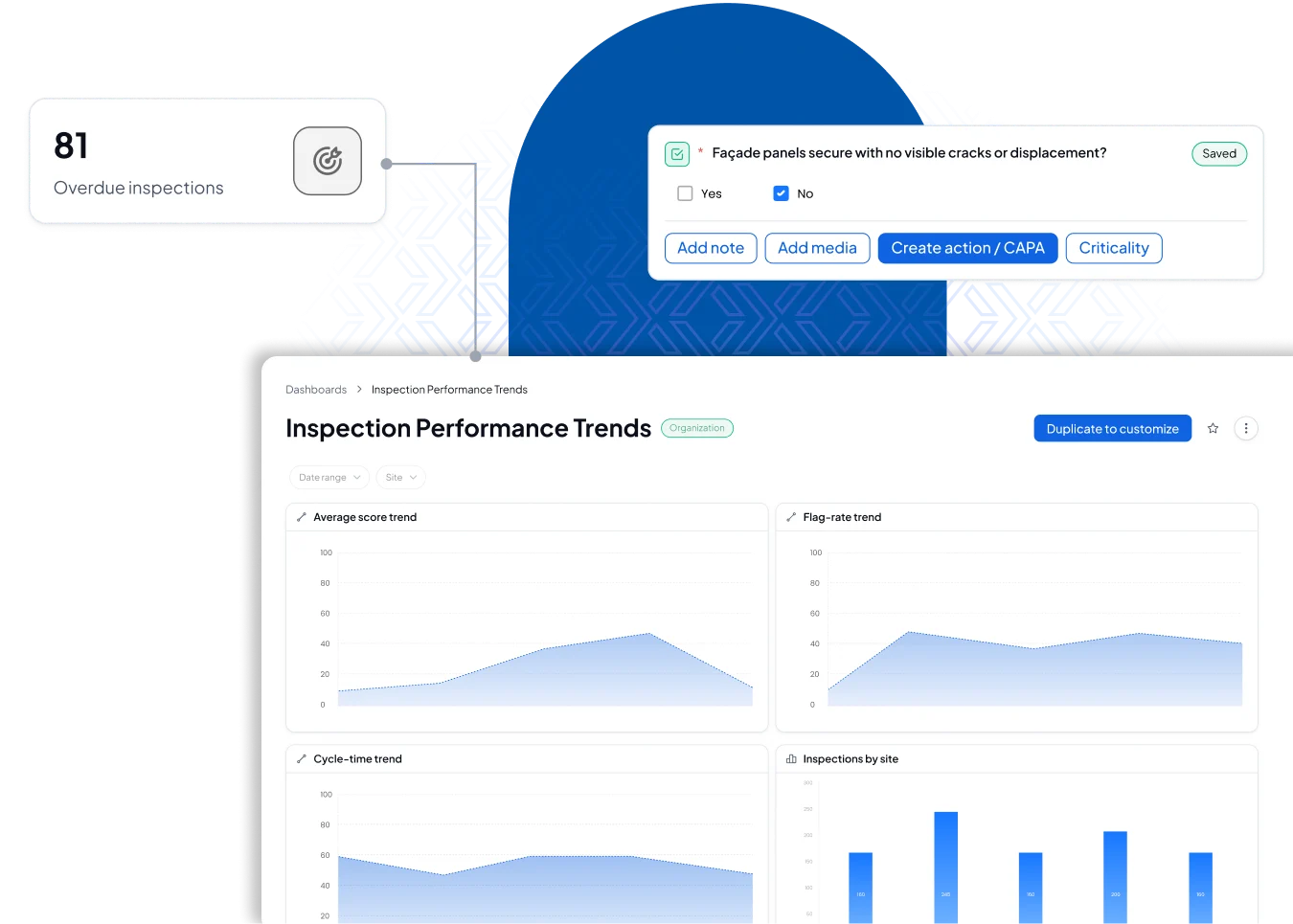
Turn failed checklist items into CAPA, corrective actions, or corrective work orders based on the type and severity of the finding. - Track inspection performance:
Monitor completion status, compliance scores, failed items, open findings, overdue actions, and repeated issues. - Escalate by severity:
Route high-risk findings to the right owner or supervisor so urgent issues receive the right attention.
AI Assist
Maryam Inspection-Assist for Smarter Field Checks
Maryam supports inspectors during the inspection by reducing typing, organizing findings, and preparing follow-up actions, so inspectors can stay focused on what they are checking.
- Capture hands-free:
Inspectors can speak to Maryam during the inspection, and she maps each observation or finding to the right checklist item. - Classify and flag:
Maryam helps rate severity, flag repeated issues, and identify findings that may require CAPA or corrective work orders. - Create linked actions:
When a finding needs follow-up, Maryam prepares the linked action in the inspector’s name for review. - Clear end-of-inspection admin:
Inspectors can give Maryam a batch of final instructions, and she prepares the required updates, each subject to human approval before submission.

See ALEF 360° HSEQ in action
Book a walkthrough and see how this fits into one HSEQ workflow.
Control Every HSEQ Process From One Place.
ALEF 360° HSEQ helps teams manage incidents, inspections, permits, CAPA, and performance visibility without losing the trail between reporting and resolution.
Explore the key HSEQ workflows available inside the platform.